Taxes
Tax rates and what they apply to
Taxes
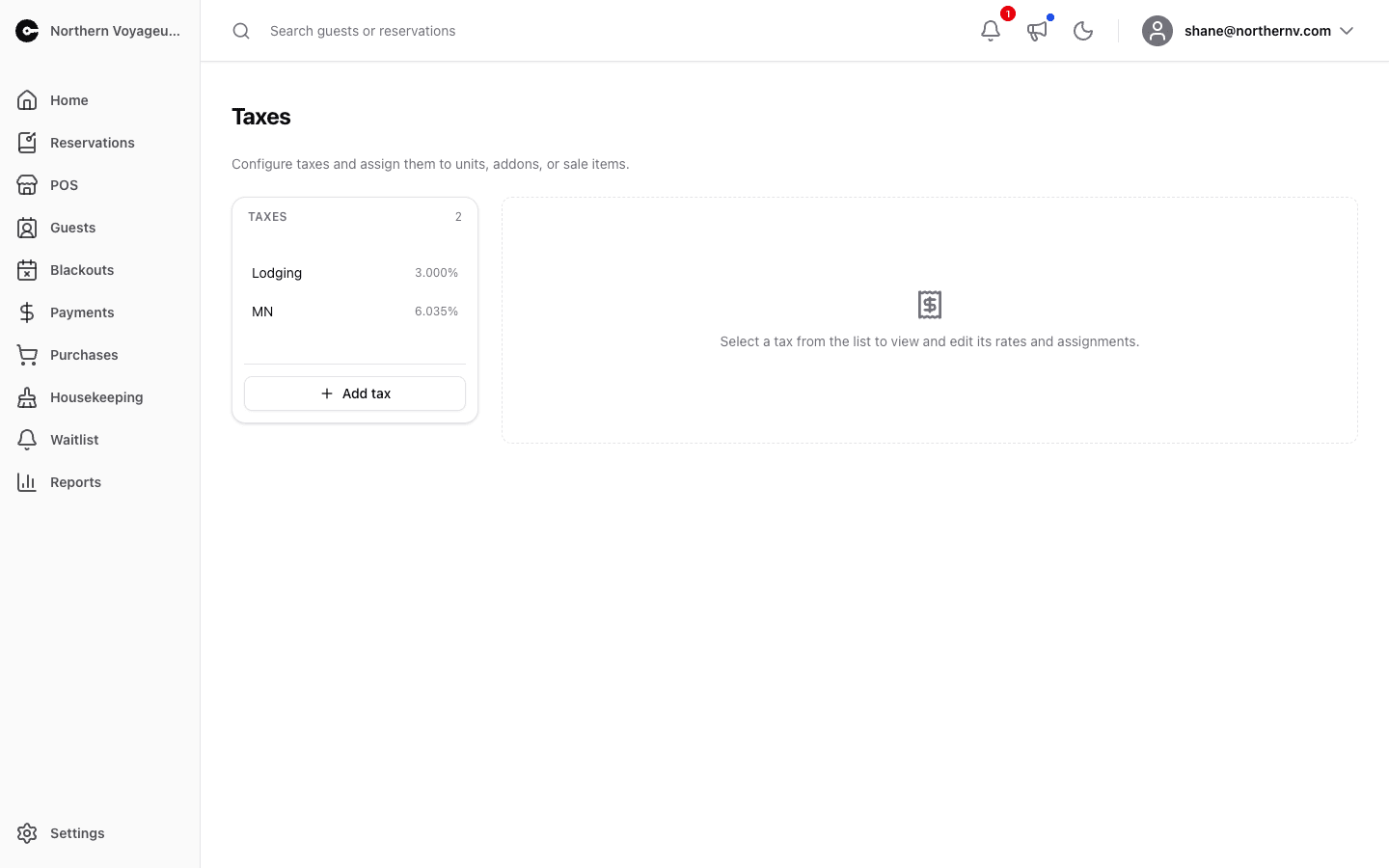
Configure the taxes you collect and assign them to units, addons, and sale items.
Add tax creates a named tax. Select one from the list to work with it:
- Rates — the percentage in effect on a given date. Add a new rate with a start date to transition — for example, when your state lodging tax changes on January 1st, add the new rate starting that day and CabinKey applies the right rate based on the reservation date.
- Assignments — choose which units, addons, and sale items the tax applies to. The same assignments can be managed from each item’s own page.
- Danger zone — permanently delete the tax with all of its rates and assignments. This can’t be undone.